The CS2 POV recorderfor the whole team
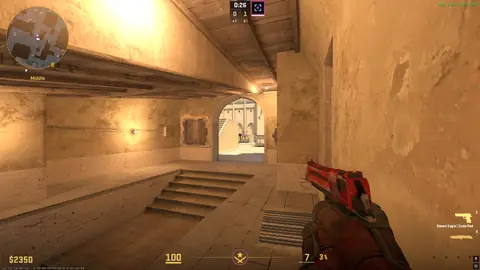
One press records the whole team — every screen, every mic and the game sound each player heard — and after the match it lands on your team's page, lined up on one clock. Five POVs side by side, with the comms that went with them.
14 days free on Pro · no card · one price for the whole team
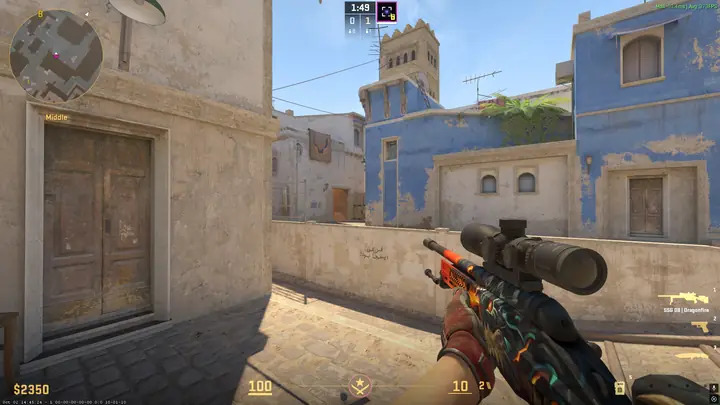 1 zCBN5zz
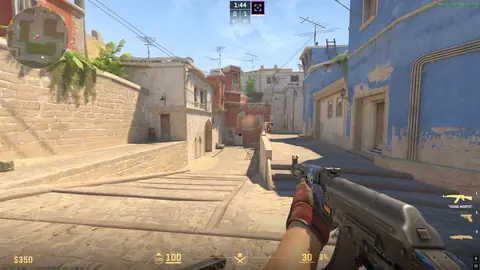 2 Fynn_
 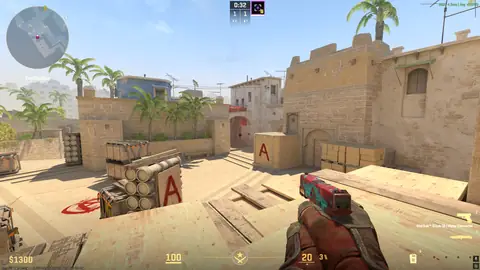 3 2w1ce
 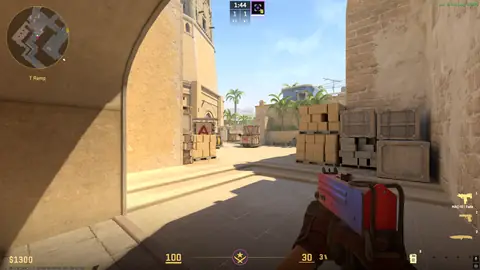 4 hanseN
  5 sub_
 How the POV recorder works
-
Each player installs it
A Windows app, signed in with your team. Its team panel shows who is ready — the app open and CS2 running — before the match starts.
-
Anyone presses Record
From the app, the tray or a hotkey. Every teammate with the app open and CS2 running starts with them, and when anyone presses Stop they all stop — no "did you remember to record" after the game.
-
Play the match
Screen, mic and game sound are recorded on each PC. Uploads wait until you close CS2, so the match keeps your ping.
-
Watch it back together
Every POV lands on your team's page as one match, lined up on one clock, with the comms that went with it.
Watching it back
- Five POVs side by side. The player you are following large and the other four below, or all five the same size. Theatre and full screen, five seconds back or forward.
- Hear it as it was called. Game and comms exactly as the focused player heard them, or every mic together with no game sound.
- Who is talking. A ring lights up on whoever is speaking, so a call can be put to a face.
- In sync, and fixable. If one POV is a fraction behind, a coach nudges it into line once and it is saved for everyone.
- From the 2D replay to the POVs Pro. Spot the moment in the 2D demo replay, press one button, and every player's recording opens at that moment.
- Clip it and assign it Pro. Cut the twenty seconds that matter from one player's POV, with the comms, and send it to the players who need it as training.
- /pov in Discord Pro. Post a POV to your server for the team to watch.
Built not to touch CS2
"Can this get me banned?" is the first thing every player asks about software that records CS2, and it deserves a straight answer rather than a reassurance.
The recorder captures the screen the way OBS display capture does and the sound the way Discord does. It never injects into, hooks or reads the memory of CS2, never touches its files and needs no launch options, so Trusted Mode stays on.
Nobody outside Valve or FACEIT can promise how their anti-cheat judges a program. What we can say is that this stays inside what already runs beside both every day.
What it does, and what it never does
- Records the screen with Windows' Desktop Duplication — the same capture OBS uses.
- Records your mic and your computer's sound separately, like a voice app.
- Knows CS2 is open from the Windows process list, and nothing else about it.
- The record hotkey is an ordinary Windows hotkey, not a keyboard hook.
- Never starts with Windows — it runs when you open it, and records when somebody presses Record.
- Does not collect your PC's name. Recordings are tied to your account and shared with your team only.
The comms are part of the recording, so everyone on the call should know they are being recorded — including a stand-in or a guest.
On which plan
Recorder Lite
Every POV and the comms, kept for 7 days, up to 15 GB for the team.
The full recorder
Kept for 21 days, up to 60 GB —
plus the jump from the 2D replay to the POVs, clips and /pov in Discord.
The 14-day free trial runs on Pro, so you can record a few matches before you choose. One price for the whole team, never per player.
Questions
Can the recorder get me VAC banned?
It is built not to go near the game. It records the screen with Windows' Desktop Duplication — what OBS display capture uses — and your mic and computer sound the way Discord does. It never injects into, hooks or reads the memory of CS2, never touches its files and needs no launch options, so Trusted Mode stays on. Nobody outside Valve or FACEIT can promise how their anti-cheat judges a program, but this stays inside what already runs beside both every day.
Which plans include it?
Team and Pro. Team keeps recordings for 7 days, up to 15 GB per team; Pro keeps them for 21 days, up to 60 GB, and adds jumping from the 2D replay to the POVs, clips and /pov in Discord. The free trial includes it, with a smaller store.
Does every player need it?
Each player whose POV you want runs it on their own Windows PC and signs in with the team. When anyone presses Record, every teammate with the app open and CS2 running starts with them (unless they have turned Record together off); when anyone presses Stop, they all stop.
Will it slow my game down?
It records with your graphics card's video encoder where it has one, runs at below-normal priority, and waits until you close CS2 to upload — so the match keeps your frames and your ping.
Does it start by itself?
No. There is no start-with-Windows option: it runs when a player opens it, and it records when somebody presses Record.
The rest of TrainYourCS
Calendar and RSVPs, to-dos, opponent notes, roles and the Discord bot are on the TrainYourCS home page, and every plan is on pricing.
Stop asking if they watched it
Fourteen days free. Your whole roster. Five minutes to set up. No card until you decide to keep it.
Start free trial